How to stop unwanted emails on Outlook
To stop unwanted emails on Outlook, pick the right tool for each type of sender. Unsubscribe for legitimate marketing, Block for senders who won't take you off, Mark as junk for spam, and Rules or Sweep for everything else. Below is when to use which, plus how to clear out the inbox in one shot.
Try ClearMyInbox free - bulk unsubscribe in one click, free to start.
For marketing emails: Unsubscribe
Outlook web and the new Outlook app show an Unsubscribe link at the top of legitimate marketing messages. One click and you\'re off the list. Walkthrough: how to unsubscribe from emails on Outlook.
For unwanted senders: Block
Blocking is for legitimate addresses you don\'t want anything from - persistent recruiters, ex-contacts, brands that ignore unsubscribes:
- Open an email from the sender.
- Click the three-dot menu at the top of the message.
- Click Block → Block sender.
- Future mail from that address goes to Junk.
To block a whole domain (useful when a brand sends from many addresses), open Settings (gear icon) → Mail → Junk email → Blocked senders and domains, and add the domain.
For spam: Mark as Junk
- Right-click the email and choose Mark as junk, or
- Click the message and use the Junk button in the toolbar.
- The message moves to Junk and the sender is added to your Blocked list.
Junk folder mail is auto-deleted after a configurable period (default 10 days), so you don\'t need to clean it manually. For the full filter setup, including sensitivity levels and country-level blocking, see how to stop junk emails on Outlook.
For mass cleanup: Sweep
Sweep is Outlook\'s most powerful built-in cleanup tool. It deletes every message from a sender (or from a specific timeframe) in one click:
- Open any message from the sender.
- Click the Sweep button in the toolbar.
- Choose Delete all messages from [sender], Delete and block future messages, or Always move.
- Click OK.
For domain-wide problems: Rules
Outlook Rules are like Gmail Filters - they automatically handle incoming mail based on conditions:
- Open Settings (gear icon) → Rules → Add new rule.
- Name the rule.
- Add a condition: Sender address includes → enter the domain (
brand.com). - Add an action: Delete or Move to a folder.
- Save.
For volume: bulk unsubscribe
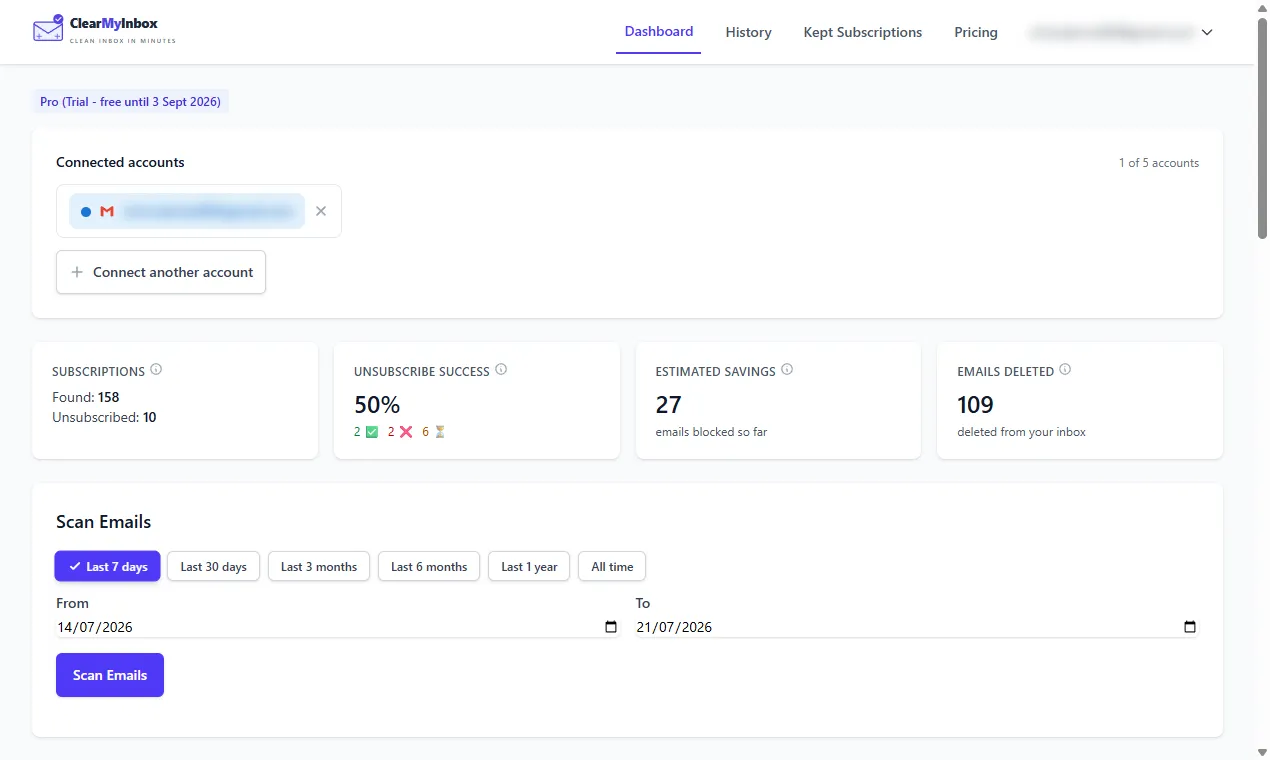
If you have dozens of newsletters to clear out, manual one-at-a-time unsubscribing is too slow. ClearMyInbox connects to your Outlook account, finds every promotional and newsletter sender, and unsubscribes from selected ones in batches. Free to start, no credit card.
Use Focused Inbox for everything else
Outlook\'s Focused Inbox sorts mail into "Focused" (the stuff that matters) and "Other" (everything else). Train it by right-clicking misclassified messages and choosing Move to Focused or Move to Other. Over a week or two it gets remarkably accurate, and a lot of unwanted mail stops appearing in your Focused tab without you having to block or unsubscribe.
Frequently asked questions
What's the difference between Block, Junk, and Sweep on Outlook?▾
Block adds a sender to the Blocked Senders list - their mail goes to Junk automatically. Marking as Junk does the same plus signals the spam filter. Sweep applies to existing mail in your inbox - it can delete or auto-route messages but doesn't affect the sender's standing.
Does Outlook learn what I consider unwanted?▾
The Focused Inbox feature does - it learns which senders you actually open vs ignore and sorts accordingly. The Junk filter learns from explicit reports. Neither is aggressive on borderline marketing - you'll need to unsubscribe or block manually for that.
Can I block all emails from a domain in Outlook?▾
Yes. Open Settings → Mail → Junk email → Blocked senders and domains. Add the domain (e.g. brand.com) and every email from any address at that domain goes to Junk.
How do I stop unwanted emails on Outlook mobile?▾
Tap the email, tap the three-dot menu, and choose Block, Move to Junk, or Unsubscribe. Rule and filter creation isn't available on mobile - use the web for that.
Does Outlook honor unsubscribe better than Gmail?▾
They both use the same standards. Outlook arguably has slightly better tools (Sweep, focused inbox) for managing the mail that does come through. The actual opt-out works the same way.