How to mass delete emails in Yahoo Mail
To mass delete emails in Yahoo Mail, tick one message in your desktop browser, click the Expand icon at the top left and choose Select all, then click Delete. That selects 100 emails; a notice near the top offers to select every message in the inbox. The emails sit in Trash, and the space returns only when it is emptied.
Try ClearMyInbox free - bulk unsubscribe in one click, free to start.
Delete all emails in your Yahoo inbox on a computer
Yahoo documents the bulk delete for the new Yahoo Mail layout in a desktop browser. The selection menu is the part people miss:
- Select one email with the checkbox next to it.
- Click the Expand icon in the upper left. The menu offers all emails, read emails, unread emails, starred emails or unstarred emails.
- Choose all emails. Yahoo's page says selecting all picks 100 emails at a time, and a pop-up notice near the top of the screen gives the option to select all messages in your inbox. Click it to extend the selection to everything.
- Click the Delete icon at the top of the page.
The read, unread and starred choices in the same menu are the quick filters: select all read emails and delete them, and the unread ones stay. For a mailbox that has run for years, Yahoo's sort options help decide the order: click the Preferences icon at the top of the inbox and set Sort by to Oldest first or Largest first, which sorts by total size including attachments, so the first page of results is the mail worth removing first.
How do I delete all Yahoo emails from one sender?
Yahoo has no delete-by-sender command on the web, but its search page gives the shortcut that gets the same result in two moves:
- In the message list, hover your mouse over an email from the sender and click the Search icon that appears. Yahoo calls this search by sender, and the results are every message from that address.
- Tick the results you want, then click Delete. Yahoo documents the Expand icon's all-emails choice for the message list and the select-all notice for the inbox, not for search results, so a long list of results is cleared in batches.
For a sender whose mail is spread across folders, or to add a date range, use Advanced Search from the top search bar instead: enter the address in From, optionally limit by date, mailbox or attachment, and click Search. Yahoo's sort page also offers Sender name as a sort order, which groups a sender's mail together in the inbox for a visual sweep.
Delete every email in a Yahoo folder at once
For a folder you made yourself, Yahoo has a one-command empty, with a limit it states plainly: the option is not available for the Inbox or the system folders.
- Click the Folders icon.
- Mouse over the folder's title.
- Click the More icon on the left side of the screen, below your mail folders, then select Delete all emails.
For the Inbox, the Expand menu and the select-all notice from the first section are the route; for Trash, the empty command is in the storage section below.
How do I delete 15,000 or 30,000 emails at once in Yahoo?
In the desktop browser the number does not matter once you accept the notice: Yahoo selects 100 per page, and the "select all messages in your inbox" link extends that to every message in the inbox. If you would rather not clear everything, search first so the selection is one sender or one date range, and work through those in turn; Advanced Search's date field is what narrows a decade of mail to the years you are sure about. Yahoo documents no whole-inbox command for the app: Yahoo documents a per-sender delete there, limited to 10,000 emails per action, so a 30,000-message inbox is a browser job, and the app clears one sender's mail at a time.
Mass delete emails in the Yahoo Mail app on iPhone or Android
The app's bulk command works per sender, and Yahoo gives the same steps for iOS and Android:
- Long press an email until the options menu appears.
- Tap Delete all messages from this sender.
- Tap Delete all to confirm, then follow any on-screen instructions.
Yahoo notes the limit of 10,000 emails per action, and that deleted mail moves to the Trash folder, where it is emptied later. For a hand-picked batch rather than one sender, Yahoo's app pages describe Edit, which lets you select multiple emails, and on Android a tap and hold that opens the bulk actions menu for selecting several emails to delete, move or archive. A single message goes by tapping it and sliding it to the left, as Yahoo's iOS page puts it, or with a swipe left on Android. Yahoo Mail in a phone's browser has a shorter route: select the messages and tap the Delete icon at the bottom of the screen.
Does deleting emails free up Yahoo Mail storage?
Not until Trash is emptied. Yahoo's Trash page explains that a deleted email from any folder except Spam moves to the Trash folder, and its storage FAQ puts the stakes: Yahoo Mail includes 20 GB of free storage in the United States, and when a mailbox is full you cannot send or receive, and emails sent to you while it is full are not stored and cannot be recovered. To empty Trash in the new Yahoo Mail:
- In your desktop browser, click the More icon below your mail folders and select Trash.
- Tick the Select All checkbox at the top of the screen. With more than 100 messages, the first 100 are selected and a notification at the top offers to select all messages in Trash; click its link.
- Click the Delete icon, then click Yes, delete.
Yahoo's older desktop article said Trash emptied itself after 7 days; the new layout's page gives no retention period, so empty it by hand when you need the space now. The Spam folder is different: Yahoo says mail there does not count toward your storage quota and needs no action. If 20 GB is not enough even after a clear-out, Yahoo's FAQ lists 100 GB and 1 TB storage plans and 200 GB with Yahoo Mail Plus. A Yahoo mailbox that has stopped receiving email is the same limit seen from the other side, and the Largest first sort from the first section finds the messages that free the most space.
Can I recover emails I deleted in Yahoo by mistake?
Anything still in Trash can be moved back. Once it is gone from there, Yahoo offers a restore request for mail deleted or lost in the last 7 days, with conditions worth reading before you file one: a request cannot be cancelled, restoration is not always successful, mail from the Trash folder is restored to the Inbox, and messages from marketing mailing lists, the discounts and coupons kind, cannot be restored at all. Yahoo also says to check Trash for recovered messages and move them out so they are not deleted again. The 7-day window is the reason to delete in batches you are sure about rather than everything at once.
Deleting is not unsubscribing
Deleting 15,000 newsletters removes 15,000 newsletters; every list you are on keeps sending, and the inbox refills at the same rate. Yahoo's own route for stopping the mail is its Unsubscribe control, in the app's More menu and Unsubscribe tab or offered when you mark a trusted list as spam; the steps are on our Yahoo page, unsubscribing from emails on Yahoo. Unsubscribe first, then delete, and the clear-out holds. The same order applies to any mailbox: the Gmail unsubscribe guide and the Outlook unsubscribe guide have those controls.
The same clear-out on Gmail or Outlook: what ClearMyInbox does
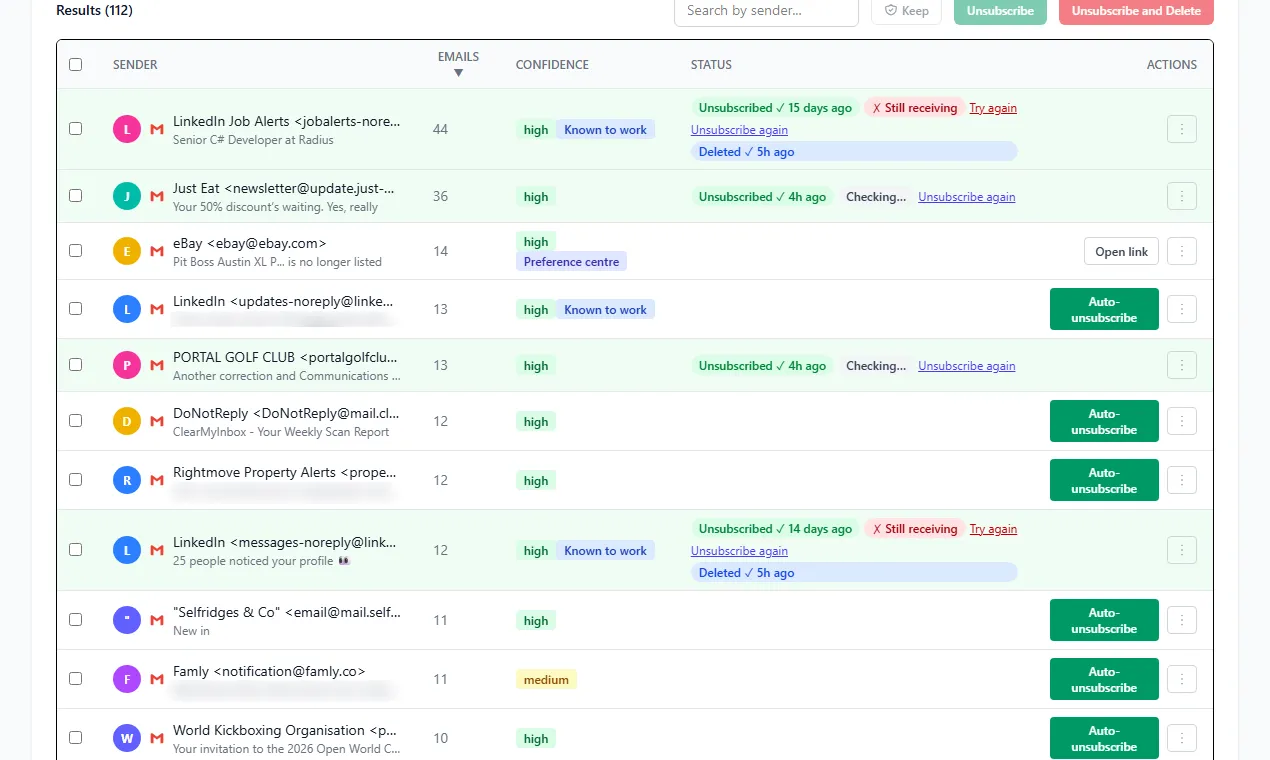
For a Gmail or Outlook mailbox, ClearMyInbox deals with the senders rather than the messages. After a Google or Microsoft sign-in it looks through the mailbox for any sender whose email carries an unsubscribe link, counts the messages from each, and lets you leave the lot you select in one action. Each request is followed up: the sender's row reads Confirmed stopped once the mail ends, or it is flagged if the mail carries on, and those flagged addresses are the ones to block. The Free plan allows 10 automatic unsubscribes a month, Casual brings AI spam scoring, scheduled scans and blocking, and you can disconnect the mailbox at any point. The help centre has the product detail.
Questions about deleting emails in Yahoo Mail
Can I delete more than 50 emails at once in Yahoo?
Yes. The 50-at-a-time ceiling belongs to the Gmail app on a phone, where Google says Select all takes up to 50 messages per tap; Yahoo's web select-all takes 100 per page and the inbox notice takes the rest, and the Yahoo Mail app's per-sender delete takes up to 10,000 in one action.
Is there a tool that can clean up my Yahoo emails?
Yahoo's own controls above are the ones Yahoo documents, and for a one-off clear-out they are enough. Third-party cleaners exist, and our comparison of email cleaner apps records, from each tool's own pages, which mailboxes it says it supports, what it reads and what it does with the data, so you can judge before handing one your login.