How to stop Ulta emails
To stop Ulta emails, sign in at ulta.com or in the Ulta Beauty app, open My Account and click Unsubscribe in the Email Preferences section, or use the unsubscribe link at the bottom of any Ulta email. Ulta's own FAQ adds one warning: once you opt out, it cannot send you member-exclusive offers or event invitations.
Try ClearMyInbox free - bulk unsubscribe in one click, free to start.
Unsubscribe from Ulta emails in My Account
Ulta Beauty answers this question itself, in the Guest Services FAQ under "How do I unsubscribe from emails?". The account route is the one it lists first:
- Log into your account from the web or the mobile app and go to My Account.
- Find the Email Preferences section.
- Click Unsubscribe.
Ulta's privacy policy describes the same switch as the way to "stop receiving promotions, special offers or member-exclusive events", so that is the scope of it: the promotional stream. The policy adds two things the FAQ leaves out. You can also ask Guest Services to make the change through the Contact Us page, and "it may take up to 6-8 weeks to stop receiving these communications after updating your preferences". Note the date you clicked: promotions in the weeks after it are the opt-out still working through, not a failed one. The same account page is where you re-subscribe later if you miss the offers, which the FAQ points out you can do at any time.
The unsubscribe link at the bottom of an Ulta email
The FAQ's second route is the link in the email itself: "click the unsubscribe link at the bottom of any Ulta Beauty email you receive". It needs no sign-in, which makes it the right route when the mail is reaching an address you no longer use for your Ulta account, or when you never created an account and were added at a till or a checkout. Scroll past the product grid to the small print; the link sits with the privacy and contact lines.
One address, one list. If Ulta writes to two of your addresses, each one needs its own click, because the link only knows the address it was sent to. Our guides to unsubscribing from emails on Gmail and on Outlook cover the mailbox's own unsubscribe buttons, which do the same job from the message header.
Stop Ulta emails from the Ulta Beauty app
Ulta's FAQ and privacy policy both say the email preferences are reachable "on ulta.com or on our mobile application", and the FAQ's steps begin with logging in "from the web or mobile app". So the phone route is the same route: open the app, sign in, go to My Account, and use Unsubscribe under Email Preferences. Ulta documents no separate app-only toggle for email, and push notifications are a different control: the privacy policy says to turn those off in your device's permissions for the app, not in the account.
What stops, and what you keep
- Stops: promotions, special offers and member-exclusive events, which is how Ulta's privacy policy defines the opt-out. The FAQ repeats that member-exclusive offers and events are what you give up.
- Stays: your Ulta Beauty Rewards membership. Leaving the Rewards programme is a separate request in the privacy policy, made by email to privacyrequests@ulta.com, so an email opt-out on its own does not close the account or touch your points.
- Check elsewhere: your points balance and expiry. Ulta's FAQ names your receipt, ulta.com/rewards and a monthly email statement as the places to see the next expiry date. It does not say whether that statement counts as a promotional email, so after opting out, use the receipt or the rewards page rather than waiting for the statement.
Ulta texts, push notifications and catalogues
Email is one of four channels, and the account switch only covers one of them. Ulta's privacy policy gives the others their own exits:
- Texts: reply stop to a message from 95637 (ULTA). Ulta says that opts you out of all its text campaigns from that number. Messages from its Messenger service have their own stop instruction in the text.
- Push notifications: adjust the app's permissions on your phone.
- Paper mailers and catalogues: the FAQ "Ulta Beauty Emails and Mailers/Catalogs" says to contact Guest Services through the Contact Us page or the Contact Us option in the app. Mailers are tied to purchases on your Rewards account, which is why they can arrive even when the emails have stopped.
When Ulta emails keep coming after you unsubscribe
Start with the date, not the sender. Ulta's privacy policy gives itself "up to 6-8 weeks" after you update your preferences, so a promotion that arrives three weeks after the click is inside Ulta's own window and tells you nothing yet. Count eight weeks from the day you clicked before calling the opt-out ignored.
After that window, sign in and check that Email Preferences still shows the opt-out. If the mail is a receipt, a shipping update or a Rewards notice, it is not covered by the opt-out at all.
If a promotional email still arrives from an opted-out address once the eight weeks have passed, block or filter it at your mailbox rather than unsubscribing a third time. Blocking in Gmail, Outlook, Yahoo and Apple Mail is covered step by step in our guides to blocking an email address in Gmail, blocking emails on Outlook, blocking emails on Yahoo and blocking emails on iPhone. Keep the block narrow: a block on U-Mail@ulta.com alone leaves order confirmations from other Ulta addresses untouched.
What ClearMyInbox does with Ulta and every other shop
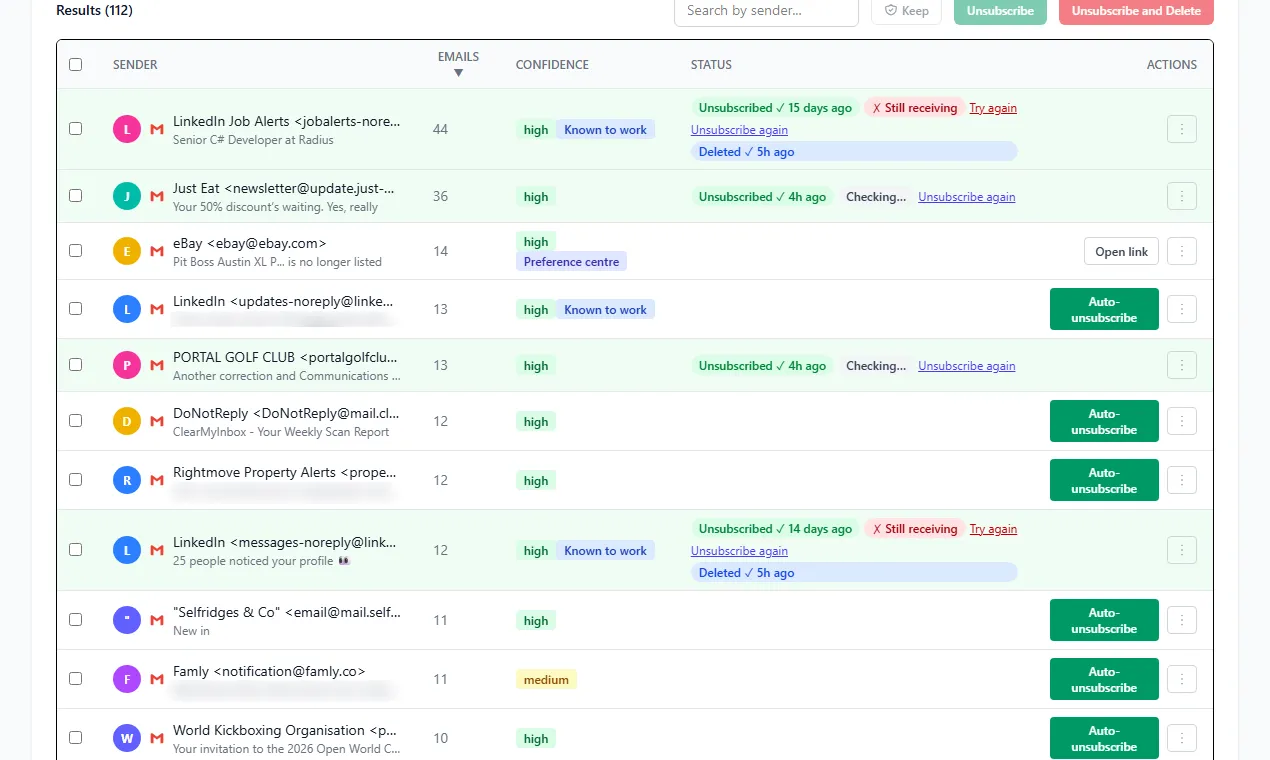
Ulta is rarely the only beauty retailer in an inbox, and each one keeps its switch somewhere different. ClearMyInbox connects to your Gmail, Outlook, Yahoo or any IMAP mailbox, scans it for every sender with an unsubscribe link, and unsubscribes from the ones you pick in one go. It then re-checks each sender and labels it Confirmed stopped or flags it as still emailing, so an Ulta list that kept going shows up as a flag rather than as next week's promotion. The Free plan includes 10 automatic unsubscribes a month, and manual ones are unlimited.
Frequently asked questions
Does unsubscribing from Ulta emails cancel my Ulta Beauty Rewards?▾
No. The email opt-out and the Rewards programme are two different things in Ulta's privacy policy. Email preferences live in My Account; leaving Rewards is a request to privacyrequests@ulta.com. Unsubscribing from email changes neither; what you lose, in Ulta's words, is the member-exclusive offers and events that arrived by email.
How do I get Ulta emails again?▾
Sign in, open My Account and opt back in under Email Preferences. Ulta's FAQ says you can "always go online and subscribe to them again". For catalogues, the same FAQ says to contact Guest Services through the Contact Us page or the app.
Why did I stop getting Ulta emails without unsubscribing?▾
Ulta's troubleshooting FAQ lists the usual causes: the account holds an old address, the Email Preferences box is unticked, or your mail provider is filtering the sender. It asks you to check the account details and add U-Mail@ulta.com to your safe senders. For paper mailers it adds a quieter cause: no purchase added to your Rewards account in two to three months drops you from the mailing list until the next one.
Can I stop the sale emails but keep order updates?▾
That is what the account switch does. Ulta defines the opt-out as promotions, offers and events, and nothing in its help pages puts order confirmations or shipping notices under that heading. If you want the marketing gone from your inbox but reachable later, a Gmail filter that archives mail from U-Mail@ulta.com keeps the receipts in view and files the rest. Other retailers follow the same pattern; our guide to stopping shopping emails covers the category, and Sephora emails have their own page.